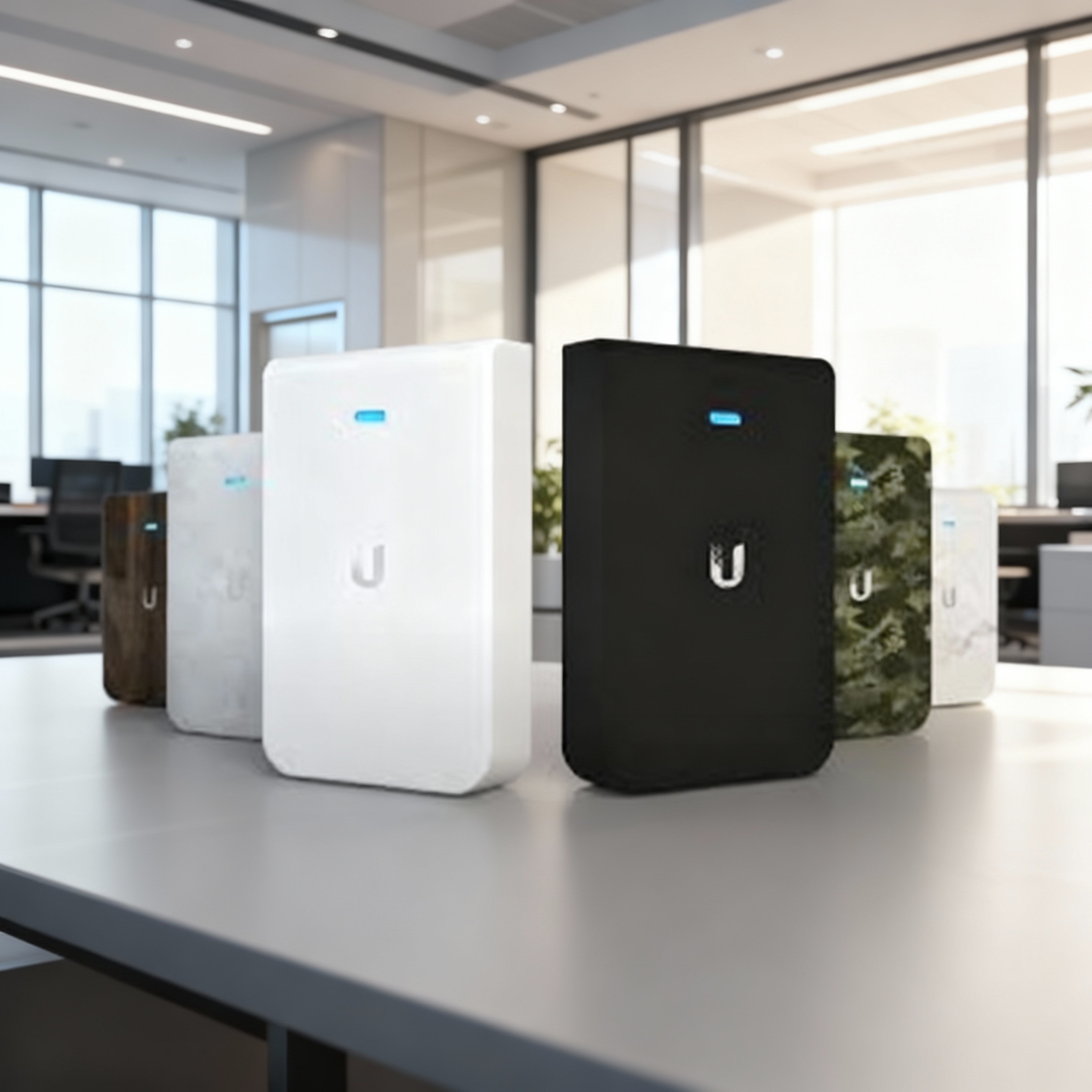
Choosing the Right Approach
Ubiquiti’s UniFi platform has transformed how businesses and homeowners build high-performance, cloud-managed networks. Whether you’re setting up Wi-Fi 6 access points, a UniFi Protect CCTV system, or a full enterprise deployment, the installation process defines long-term reliability and security.
This guide explains what you’ll need for DIY installation, what a professional UniFi installer like Microtel delivers differently, and how to prepare your site before setup.
If you’re looking for an expert to handle the entire process, Microtel is Ireland’s trusted UniFi installation partner, delivering nationwide design, installation, and support for Wi-Fi, CCTV, and network solutions.
Preparing for a UniFi Installation
Whether you install it yourself or use a professional service, good preparation ensures seamless deployment.
- Assess your environment – Identify the number of floors, wall types, and any coverage blackspots.
- Check internet provision – Confirm your primary fibre or broadband speed, latency, and available ports.
- Plan your network layout – Note where you need wireless coverage, switches, cameras, and gateways.
- Decide on PoE power – Ensure your switches can power access points, cameras, and VoIP phones via Power-over-Ethernet.
- Label and document cabling – Use Cat6A or better, and label all runs before connection.
- Create a secure admin plan – Prepare strong passwords, enable multi-factor authentication (MFA), and plan VLAN segmentation (guest, staff, IoT).
With this groundwork complete, you’re ready to choose your installation route.
For the Confident DIYer
A do-it-yourself UniFi setup appeals to technically minded individuals who enjoy configuration, troubleshooting and already understand basic networking principles.
DIY Steps
- Hardware unboxing and identification
- UniFi Gateway or Dream Machine (router/firewall)
- UniFi Switch (PoE optional)
- UniFi Access Points (Wi-Fi 6/6E recommended)
- Optional: UniFi Protect Cameras or Access Control devices
- Mounting and cabling
- Use shielded Cat6A cabling for stability.
- Connect each device to the PoE switch and the switch to the gateway.
- Controller setup
- Install the UniFi Network Application on your PC or host it on a UniFi Cloud Key / Dream Machine.
- Adopt each device into your controller, then assign descriptive names.
- Wi-Fi configuration
- Create SSIDs (e.g. Staff, Guest).
- Enable WPA3 security and guest isolation.
- Optimise channel widths and power levels for coverage balance.
- Testing and monitoring
- Verify coverage using a Wi-Fi analyser app.
- Review throughput and latency.
- Enable automatic firmware updates and remote management via UniFi Cloud.
Limitations of DIY
While functional for small offices or homes, DIY installations often miss out on:
- Advanced VLAN and firewall design for security.
- Redundancy planning (dual WAN, SD-WAN).
- Interference and heat-mapping optimisation.
- Scalable monitoring, logging, and maintenance.
That’s where professional UniFi installers deliver measurable value.
Professional UniFi Installation
For hotels, retailers, and multi-site enterprises, reliability and compliance are critical. Professional installation ensures performance, scalability, and full lifecycle support.
Microtel’s Proven Process
- Site Survey & Design
- Detailed WiFi heat-mapping and cable path planning.
- Identify ideal access-point locations and switch cabinet positions.
- Define VLANs for guest, staff, IoT, and secure admin networks.
- Pre-Staging & Configuration
- All UniFi devices are pre-configured and labelled before delivery.
- Firmware updates and security hardening applied.
- Controller integration and remote access enabled.
- Installation & Integration
- Certified engineers install cabling, mount devices, and test power loads.
- Seamless integration with existing networks, POS, and PMS systems.
- Redundancy setup (dual-WAN, 5G failover, or SD-WAN).
- Testing & Optimisation
- Validate signal strength, throughput, and latency across all zones.
- QoS configured for VoIP and video.
- SIEM or monitoring system linked for alerts.
- Training & Documentation
- Staff onboarding for UniFi Controller basics.
- As-built documentation and login records provided.
- Optional managed-service contract for 24/7 monitoring.
Why Choose Microtel
- Ireland’s most experienced Ubiquiti UniFi installer, serving Dublin, Cork, Galway, Limerick, and nationwide.
- 30+ UniFi deployments across hospitality, retail, and education.
- Vendor-neutral, fixed-outcome approach.
- 24/7 support and managed service options.
When you want commercial-grade results without trial and error, professional installation by Microtel ensures your network performs at enterprise standards from day one.
References
Bulchand-Gidumal, J., Melián-González, S., & González López-Valcárcel, B. (2011). Improving hotel ratings by offering free Wi-Fi. Journal of Hospitality and Tourism Technology, 2(3), 235–245. https://doi.org/10.1108/17579881111173776
Masri, N., Anuar, F. I., & Yulia, A. (2017). Influence of Wi-Fi service quality towards tourists’ satisfaction and dissemination of tourism experience. Journal of Tourism, Hospitality & Culinary Arts, 9(2), 383–398. https://doi.org/10.5281/zenodo.579340
Boyes, H. (2015). Cybersecurity and cyber-resilient supply chains. Technology Innovation Management Review, 5(4), 28–34. https://doi.org/10.22215/timreview/888
European Commission. (2022). Directive (EU) 2022/2555 of the European Parliament and of the Council of 14 December 2022 on measures for a high common level of cybersecurity across the Union (NIS2 Directive). https://eur-lex.europa.eu/legal-content/EN/TXT/?uri=CELEX:32022L2555
ENISA – European Union Agency for Cybersecurity. (2021). Cybersecurity for Industry 4.0. https://doi.org/10.2824/962302
U.S. Department of Commerce. (2023). EU–U.S. Data Privacy Framework: Program overview. https://www.dataprivacyframework.gov/
Ubiquiti Inc. (2025). UniFi Network Design Centre Guide. https://ui.com